Plant and equipment monitoring
Organize connected equipment by plant and electrical hierarchy. Follow available generation, inverter, string and grid-meter information from a centralized view.

A centralized solar monitoring platform connecting PV equipment, weather stations and grid interfaces with operational dashboards, historical trends, alarms and configurable reporting workflows.
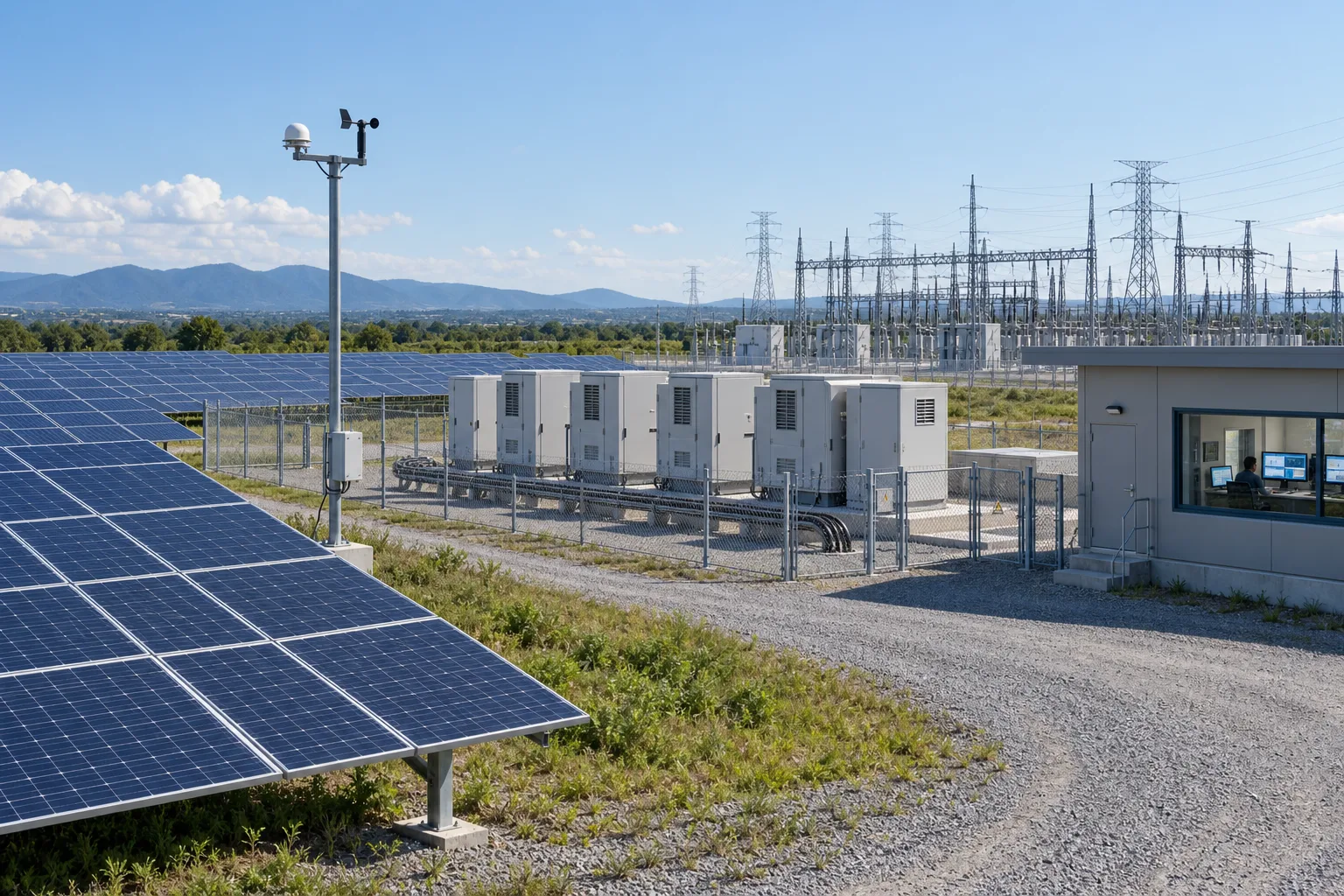
Anmeda Ensure brings solar plant data into a common software environment. Operators can follow equipment conditions, investigate deviations and review generation trends. Managers can compare sites and follow report-review status without assembling information from isolated systems.
Designed for solar asset owners, plant operators and renewable portfolios, the cloud-based platform combines equipment connectivity with configurable storage, dashboards and user management. Deployment, retention, network access and integration requirements are agreed for each installation.
Organize connected equipment by plant and electrical hierarchy. Follow available generation, inverter, string and grid-meter information from a centralized view.
Explore time-based equipment data and compare operating periods. Use recorded conditions and deviations to support performance investigation and maintenance planning.
Bring meteorological station data alongside generation records to understand the conditions in which equipment is operating.
Review alarms and events, investigate patterns and configure email or SMS notifications for the people responsible for action.
Generate reports on configured schedules, route them for web-based review and approval, and monitor outstanding actions.
Extend visibility across plants with centralized user management. Corporate LDAP integration is scoped to the organization’s directory and access requirements.
Configure the equipment hierarchy to match the plant’s electrical design. Monitoring depth depends on the available controllers, meters and instrumentation.
Ensure integrates operational data; it does not manufacture PV equipment or replace protective relays, electrical interlocks or safety-critical control systems. Any supervisory commands require approved interfaces, permissions and operating procedures.
Available environmental parameters depend on the sensors and Weather Monitoring System (WMS) installed at each site. Solar irradiance is instantaneous power per unit area (W/m²); solar irradiation is energy accumulated over a period (kWh/m²). Irradiation records require an appropriate source or validated aggregation.
Connect data collection, report generation and accountable review in a configurable workflow.
Configure reports for the applicable plant, stakeholders and jurisdiction. Report content, calculation rules and authority templates must be reviewed before deployment. Ensure supports record preparation and review; it does not automatically establish compliance or imply authority approval.
Requirements vary by jurisdiction, plant capacity, grid connectivity and contractual arrangement. Direct authority submission is only available where an interface exists and the integration has been implemented. Export formats and specialized reports are confirmed during scoping.
Confirm device models, exposed registers or tags, network access and interface availability during assessment. Specific protocol variants and enterprise integrations are not assumed to be prebuilt.
An implementation starts with the plant architecture and operational requirements, then turns them into a defined monitoring and reporting scope.
Data quality, time synchronization, backup and recovery arrangements should be agreed and verified as part of the implementation. Revenue-grade accuracy is not implied by the software alone.
Share your plant hierarchy, equipment interfaces, number of sites and reporting needs so the team can discuss an appropriate demonstration and implementation scope.
Outline your solar assets and reporting needs and we will discuss an appropriate demonstration and implementation scope.
It helps to mention:
Prefer email? Write to sales@anmedasystems.com.